
When sending users to Informed K12, our recommended approach is:
- Create the user first with POST /Users
- Use the returned user id for later updates
- When you want to update a user without changing roles, use PATCH /Users/{id} and only include the fields you want to change
In short:
POST = create a brand-new user
PATCH = update only select attributes on an existing user
PUT = replace the user’s updatable profile
Tips
Roles are not required to create an account
The username is the user’s email address
Id is generated by Informed K12 and is our platform’s unique identifier for a user (however emails also have to be unique)
If you later want to update that same user without updating roles, use PATCH /Users/{id} and send only the attribute you want to change. User attributes not included in value will not be changed.
When parameter "active" is set to "true", Informed K12 platform will send a welcome email to the email address, and the person can log in to activate their account. Their account status will be "Invited" until they activate their account, and then the status will be "Activated".
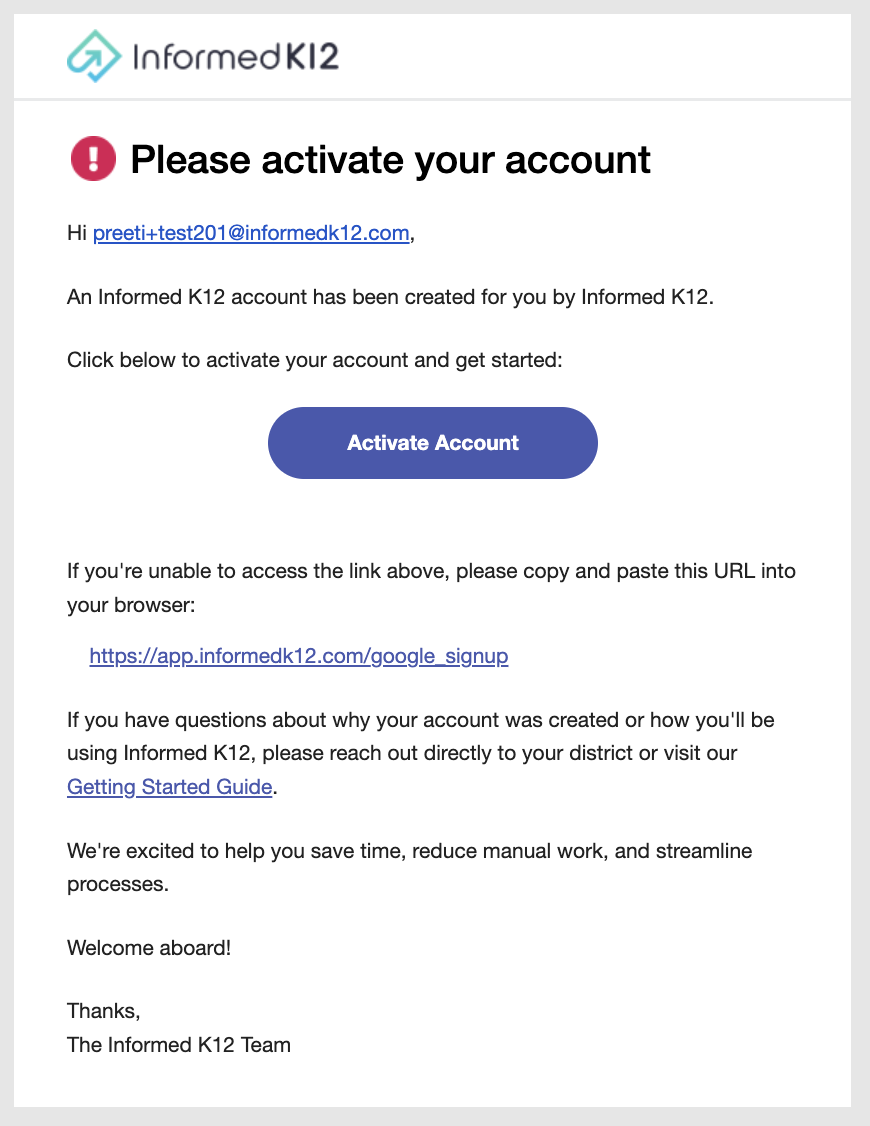
Email sent to new account with organization using Google SSO
Examples
Create User API call example:
curl --request POST
--url https://app.informedk12.com/api/v1/scim/v2/Users
--header 'accept: application/scim+json'
--header 'authorization: Bearer [API key]
--header 'content-type: application/scim+json'
--data ' {"userName": "[email protected]",
"active": true,
"name": {
"givenName": "Pepa ",
"familyName": "Richmond"
},
"schemas": [
"urn:ietf:params:scim:schemas:core:2.0:User"
]}
'
Update user's status to deactive:
curl --request PATCH
--url https://app.informedk12.com/api/v1/scim/v2/Users/123456
--header 'accept: application/scim+json'
--header 'authorization: Bearer [API key]
--header 'content-type: application/scim+json'
--data '
{"schemas": ["urn:ietf:params:scim:api:messages:2.0:PatchOp"], "Operations": [ { "op": "replace", "path": "active", "value": false } ]}